
Oct 22, 2026
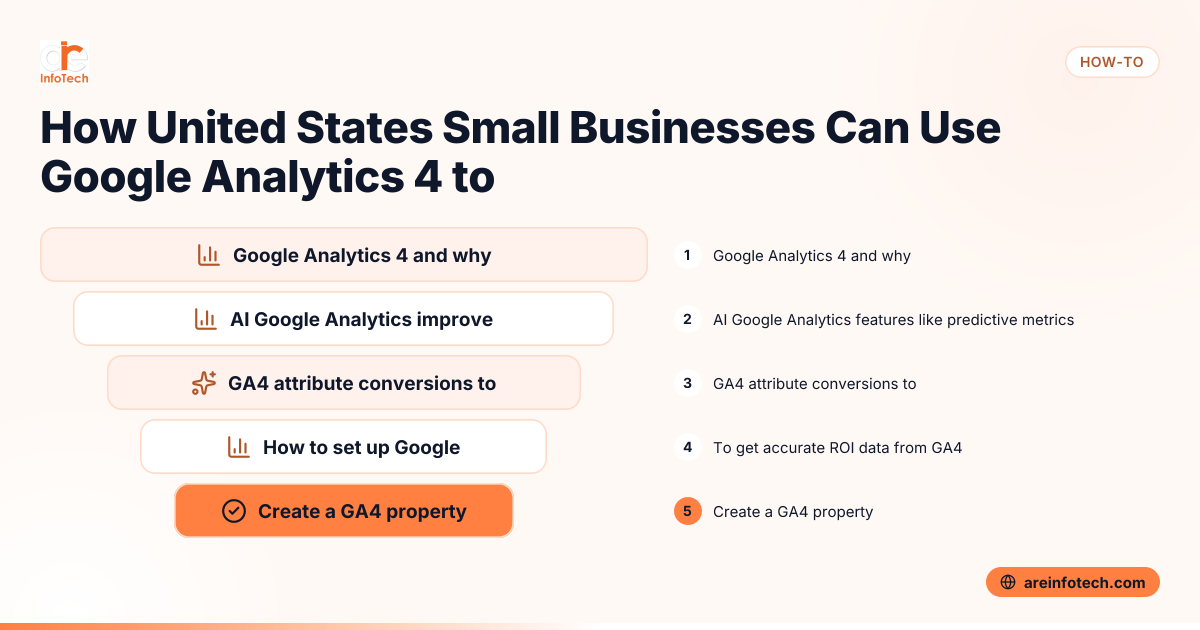
Google Analytics 4 (GA4) is Google’s advanced web analytics platform that helps US small businesses track customer interactions across websites and apps. It provides deeper insights and AI-driven features to measure digital marketing ROI accurately and improve campaign performance.
Google Analytics 4 (GA4) is the latest analytics platform by Google that tracks user interactions based on events rather than sessions. This change lets businesses get detailed behavior data across websites and apps, crucial for small businesses in US cities like Chicago or Houston aiming to improve marketing ROI.
GA4 also enables combining web and app data for a full customer journey view. Its enhanced privacy controls help comply with US laws such as the CCPA by managing user consent and data retention settings.
AI Google Analytics features like predictive metrics, automated insights, and anomaly detection help small businesses spot trends, predict customer behavior, and optimize campaigns. This reduces analysis time and improves marketing results without needing deep analytics expertise.
By leveraging AI-driven data in GA4, US businesses gain smarter recommendations that increase marketing ROI efficiently.
GA4 uses a data-driven attribution model that assigns fractional credit to each marketing touchpoint along the buyer’s journey. Unlike simple last-click attribution, this provides a more accurate understanding of how different channels contribute to conversions.
Businesses can track conversions by:
Connecting payment data from tools like Stripe or accounting systems such as QuickBooks helps validate ROI calculations.
To get accurate ROI data from GA4, US small businesses should follow these steps:
Add a new GA4 property in your Google Analytics account to start tracking. You can run it alongside Universal Analytics until ready to transition fully.
Add the GA4 global site tag (gtag.js) to your website header or integrate the GA4 SDK for mobile apps. Popular US CMS and e-commerce platforms like Shopify or WordPress often have plugins to simplify this.
Identify crucial events like purchases, sign-ups, or phone calls that signal value. Use Google Tag Manager or developer help for custom event tracking beyond GA4’s automatic ones.
Link your GA4 account with Google Ads to import campaign data for improved attribution and smart bidding. Integrate other social media or local listing platforms where possible.
For online retailers in Detroit or elsewhere, activate enhanced ecommerce in GA4. Connect checkout systems such as Stripe to feed sales and revenue data for precise ROI stats.
Use GA4’s Analysis Hub to build campaign-focused dashboards. Schedule reports and set alerts to keep your marketing team informed on campaign performance.
Keep GA4 data accurate by regularly auditing event setups, confirming data matches key business systems like QuickBooks, and updating conversion goals as your marketing evolves. Also, maintain user consent compliance to avoid distorted analytics.
Consistent monitoring and validation ensure clean, actionable insights. See How to Create a CAN-SPAM and TCPA Compliant Email and Phone Outreach Strategy for US Small Businesses for outreach compliance advice.
Common hurdles include technical complexities in event setup, adapting to GA4’s new interface, dealing with data processing delays, and managing privacy compliance. Offline sales attribution and integrating multi-channel conversions also require effort.
Working with a digital marketing agency like ARE InfoTech can help overcome these challenges and tailor GA4 to your business needs.
To maximize ROI from GA4, follow these tips:
GA4 includes features like IP anonymization and granular data retention controls to help US businesses comply with laws such as CCPA. However, businesses must ensure transparent privacy policies and obtain user consent where required.
An SEO audit focused on your digital marketing and GA4 configuration can identify tracking gaps and areas to improve user experience and conversion rates. ARE InfoTech offers expert audits tailored for US small businesses to boost growth.
GA4 uses event-based tracking, integrates AI features, and offers stronger privacy controls. This makes it more suitable for tracking complex customer journeys and complying with US regulations.
Yes. You can import offline conversions and use phone call tracking integrated with GA4 to capture full marketing impact.
Data appears immediately but allow 24-48 hours for full processing before trusting revenue and conversion reports.
Yes, GA4 is free. Some advanced features or integrations may require paid services or expert support.
It imports conversion data for better attribution and allows Google Ads smart bidding to optimize spend based on true ROI.
Audit events regularly, verify data cross-system, keep conversion goals updated, and manage user consent carefully to maintain trustworthy data.
Properly leveraging GA4 empowers US small businesses to measure and improve digital marketing ROI effectively. To explore advanced GA4 setup and optimization strategies, visit the ARE InfoTech blog.
Google Reviews


